We have all seen it. You spend hours filling out a job application, a scholarship form, or a government portal registration. You finally hit “Submit,” and then—boom. A red error message pops up:
“Upload Failed: File size exceeds 2MB limit.”
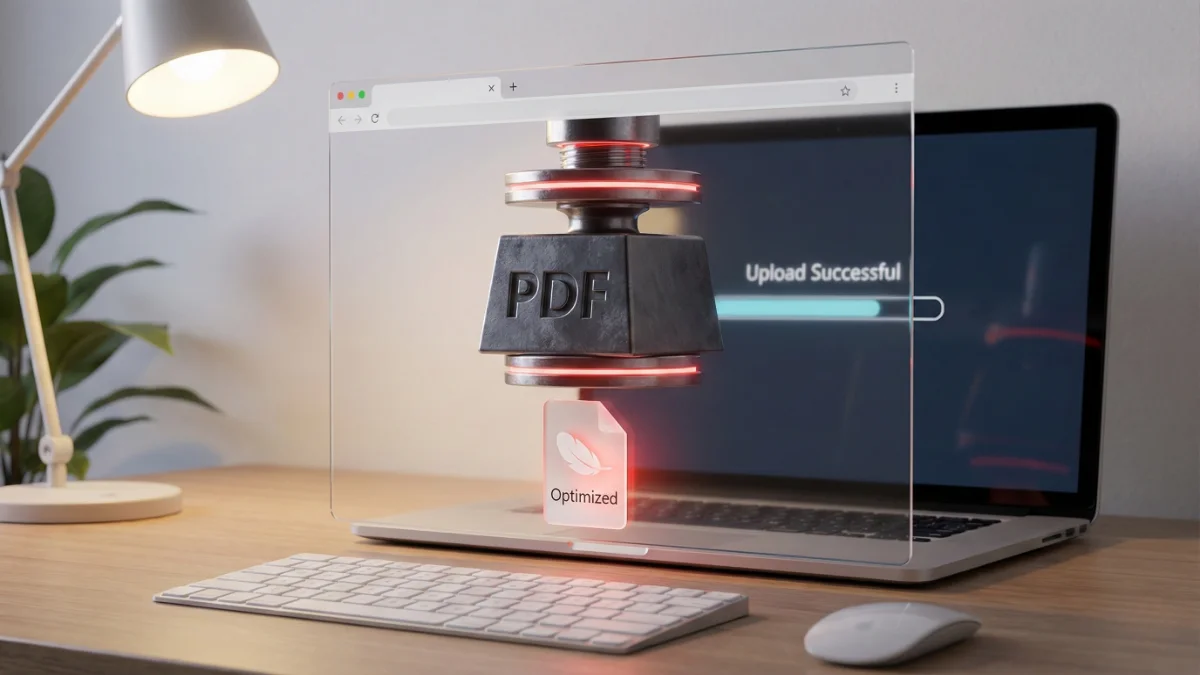
It is incredibly frustrating. Whether you are trying to email a presentation or upload an ID proof, file size limits are everywhere. As the founder of JPGtoPDFHub, I realized that users needed a secure way to compress PDF online without handing over their private data to a server.
Why Do Portals and Emails Reject Your PDF?
High-quality scanners often create massive PDF files because they capture every tiny detail at a high resolution. However, most systems don’t need that level of detail.
- Email Limits: Most providers like Gmail and Outlook cap attachments at 25MB. As noted by Google Support, anything larger gets bounced back or converted into a cloud link.
- Government & Job Portals: These are even stricter. Many require you to compress PDF below 2MB or sometimes even 500KB to save their server storage space.
The Solution: Secure Client-Side Compression
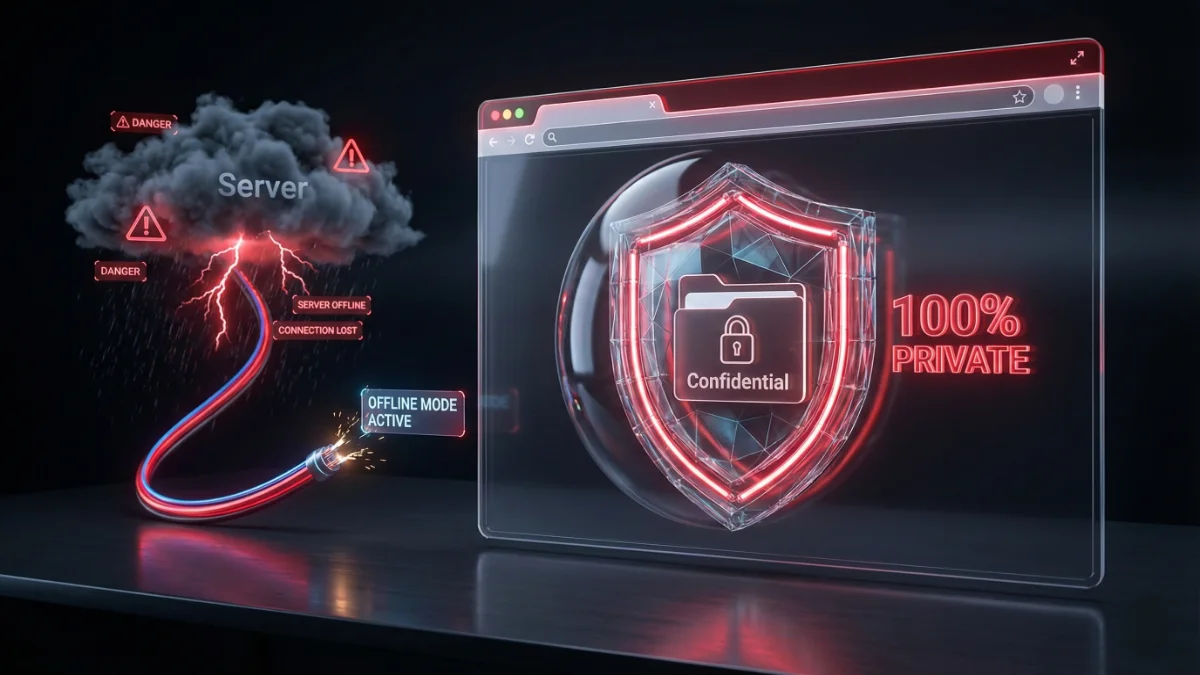
To fix this, you need to reduce PDF size for email or uploads. But here is the catch: most online tools ask you to upload your sensitive bank statements or contracts to their cloud servers to compress them.
At JPGtoPDFHub, we do it differently. Our Free PDF Compressor Tool uses JavaScript to process the file directly on your device. Your document never leaves your browser.
Step-by-Step: How to Shrink PDF File Size Free
- Select Your File: Open our Free PDF Compressor Tool. Click to select your heavy PDF or drag and drop it.
- Choose Compression Level: We automatically calculate the best balance to reduce PDF size without losing quality.
- Processing: The tool will strip unnecessary metadata and optimize images instantly.
- Download: Save your lighter, portal-ready PDF immediately.
Will my document look blurry?
This is the most common question I get. The answer is No, not if done correctly.
Our algorithm is smart. It reduces the file size by removing invisible data (like thumbnail previews and metadata) and optimizing fonts. It only slightly compresses images to a level where the human eye can’t see the difference on a screen, ensuring your text remains sharp for printing.
Fix Your “File Too Large” Error Now
Don’t miss your application deadline. Shrink your PDF to the perfect size instantly.
Compress PDF Now (100% Secure) →Once your files are compressed, you might need to combine them with other documents. If so, you can use our tool to merge PDF files into a single package for your application.
Remember, when dealing with personal identity documents, speed is important, but privacy is everything. Use tools that respect your data.
Best regards,
Sandeep