We have all had that sinking feeling. You spend hours perfecting your resume or assignment in Microsoft Word. The fonts are perfect, the images are aligned, and the layout looks professional. You hit “Send.”
Then, the recruiter opens it on their computer, and everything is broken. The text has shifted to the next page, the fonts have changed, and your beautiful document looks like a mess.
This is the “Formatting Nightmare.” As a developer, I see this happen constantly because people confuse Creating a document with Sharing a document. Today, I’ll explain exactly when to use PDF vs. Word and how to switch between them effortlessly.
The Golden Rule: Create in Word, Share in PDF
Think of these two formats like building a house:
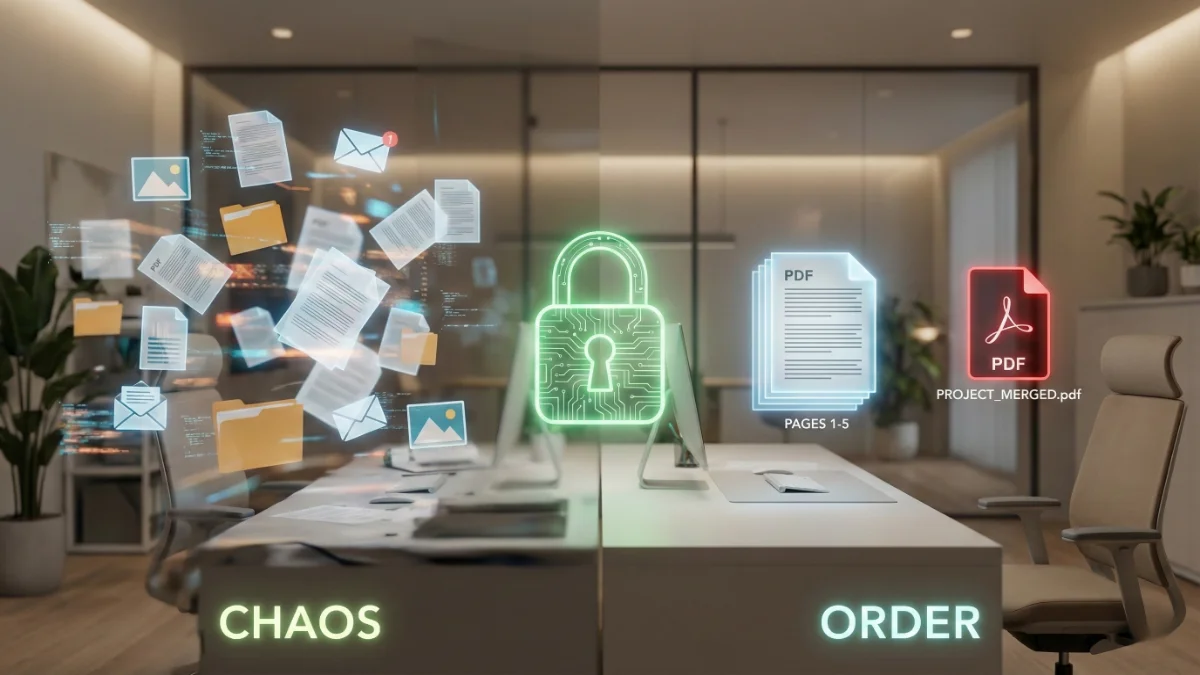
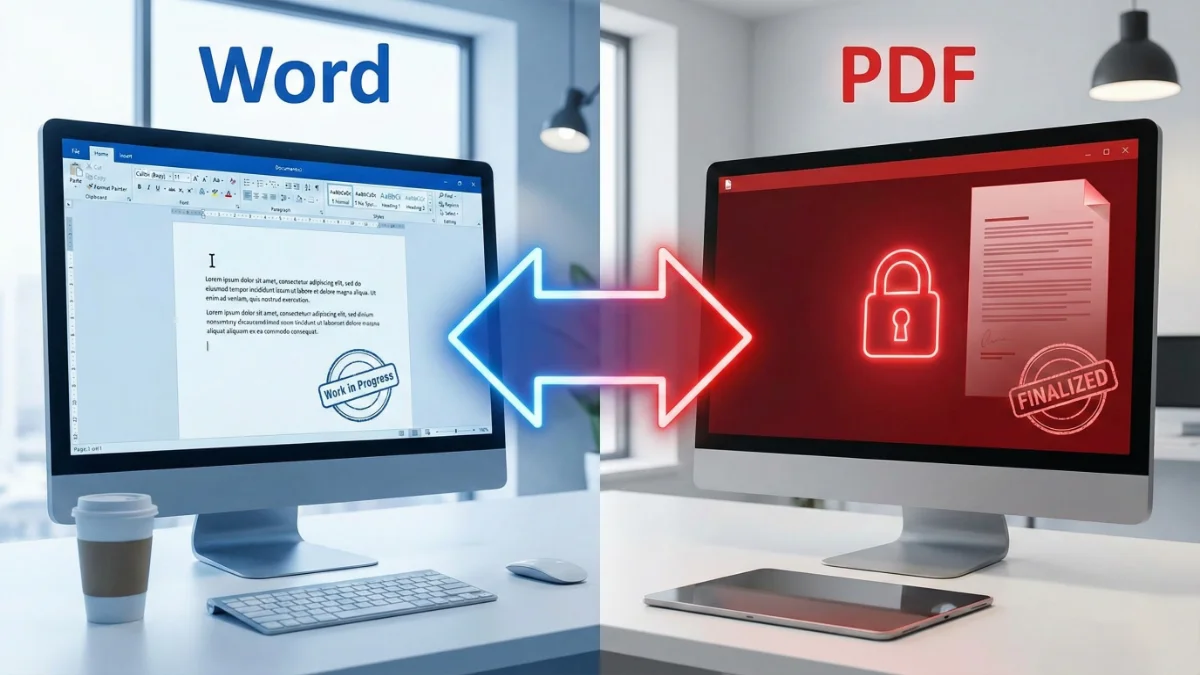
- Word (.docx): This is your construction site. It is messy, flexible, and meant for editing.
- PDF (.pdf): This is the finished house. It is locked, secure, and looks the same to everyone who visits.
Scenario 1: Locking Your Document (Word to PDF)
You should always convert Doc to PDF before sending it to anyone. Why?
According to Adobe, PDF is the global standard for sharing because it preserves your document’s visual integrity regardless of the device or software used to view it.
Use this when:
- Sending a Resume or CV (Essential!).
- Submitting a university assignment.
- Emailing an invoice or quote to a client.
Ready to lock your formatting? Finalize your resume or assignment here using our secure tool.
Scenario 2: Unlocking Your Document (PDF to Word)
Sometimes, the reverse happens. You have an old contract or a report saved as a PDF, but you lost the original Word file. Now you need to update a date or fix a typo, but you can’t type on it.
In this case, you need to change PDF to Word. This process extracts the text and layout from the “locked” picture and turns it back into an editable Word from PDF document.
Use this when:
- You need to edit an old contract.
- You want to copy text from a read-only report.
- You lost your original source file.
Need to make changes? Convert back to Word here and start editing immediately.
Which tool do you need today?
Choose the right tool for your workflow.
A Note on Privacy
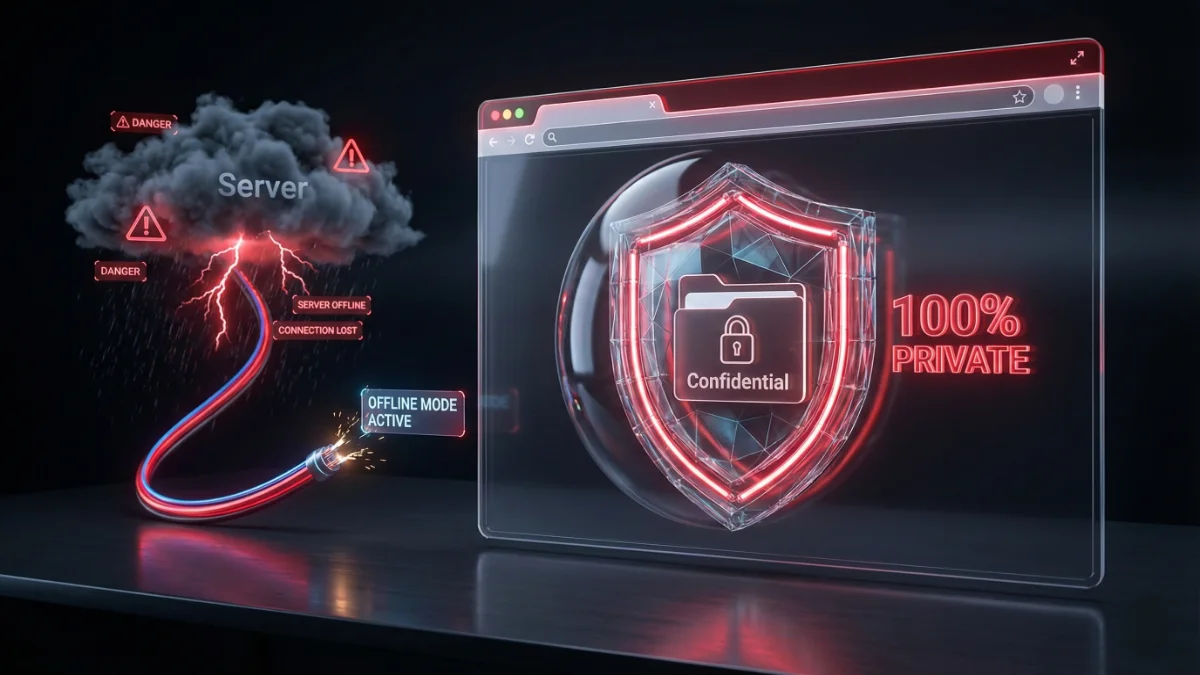
Whether you are handling a personal resume or a confidential business contract, security matters. Many online converters upload your file to a cloud server to process it.
At JPGtoPDFHub, we use secure Client-Side technology. This means the conversion from Word to PDF (and vice versa) happens right in your browser. Your sensitive data never leaves your computer.
Best,
Sandeep