There is nothing worse than finishing a long assignment or polishing your resume, only to have it rejected because you sent 10 separate image files. Professors hate downloading ten different attachments. HR managers won’t open five separate photos of a CV.
The standard requirement is simple: submit assignment as PDF.
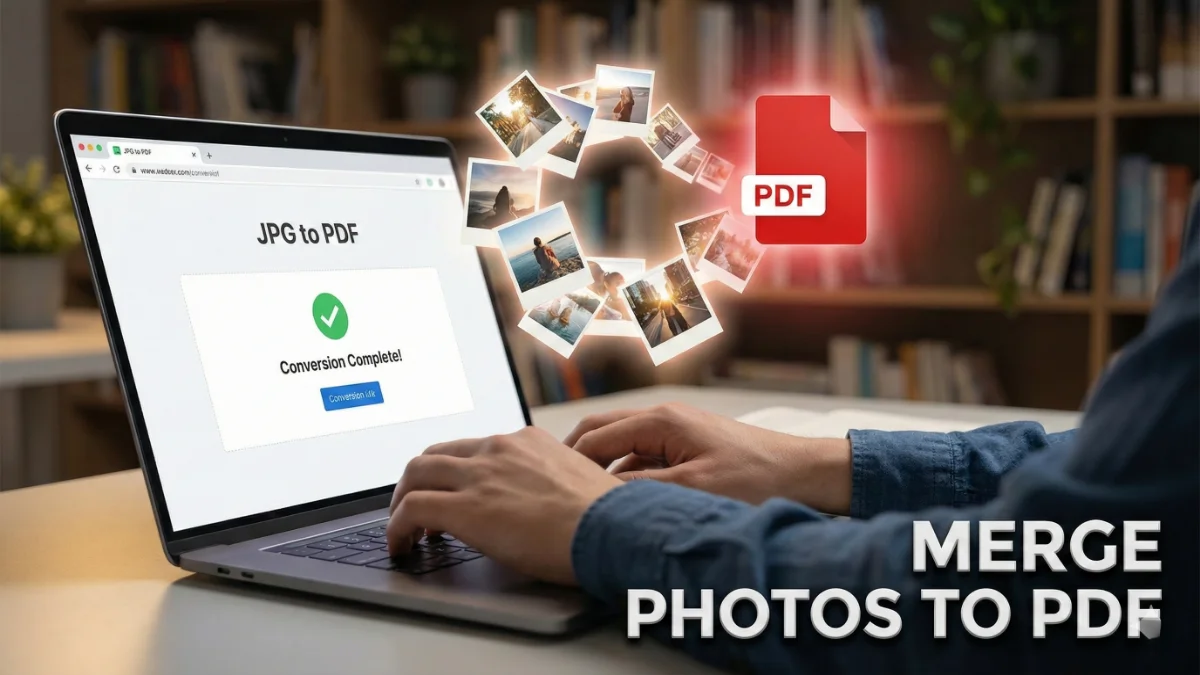
As a developer and founder of JPGtoPDFHub.com, I built this platform because I saw students struggling with clunky, slow software just to turn their phone photos into a single document. Today, I’ll show you exactly how to combine multiple JPG images into one PDF securely, without downloading any software.
Why You Must Combine Images into One PDF
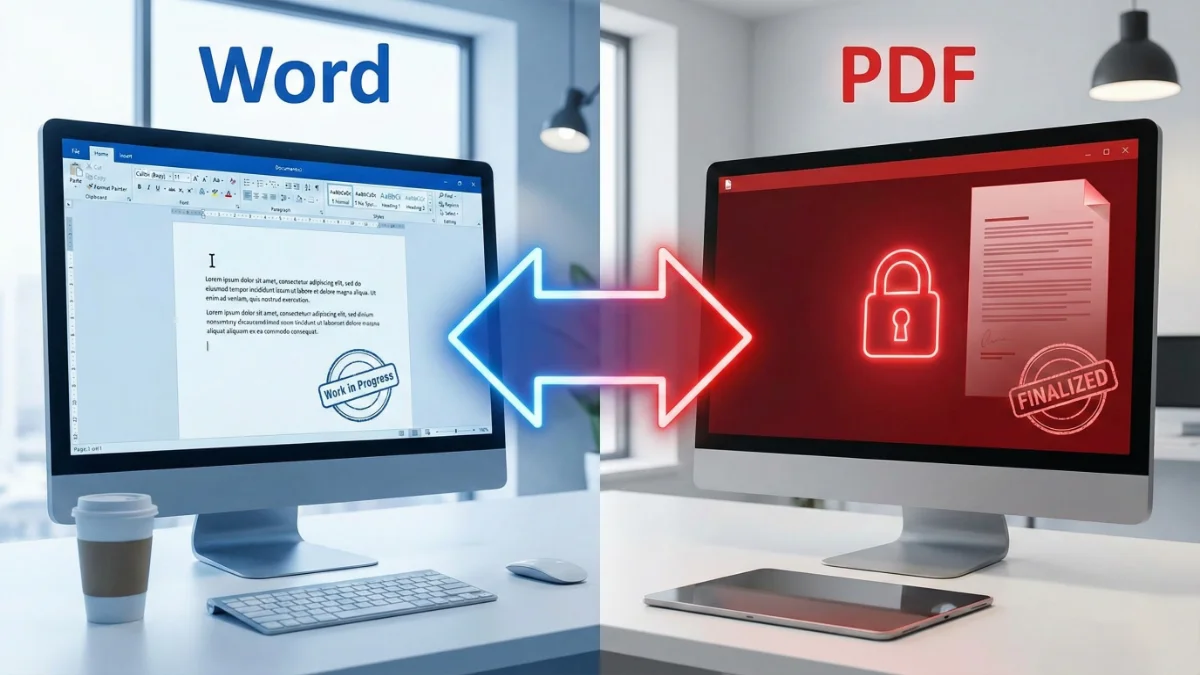
Whether you are a student submitting homework or a professional sending a contract, the PDF format is the gold standard. It ensures your formatting looks exactly the same on every device.
According to career advice from platforms like Indeed, submitting your resume as a PDF is often preferred to ensure it passes through Applicant Tracking Systems (ATS) correctly and maintains its professional layout.
Step-by-Step: How to Merge JPG to PDF
We designed our tool to be the fastest way to merge JPG to PDF. Here is how you can do it in under 60 seconds:
- Upload Your Images: Go to our free tool to merge images. You can drag and drop your files directly from your desktop or select them from your mobile gallery.
- Reorder the Pages: This is crucial for assignments. Did you take a photo of Page 3 before Page 2? No problem. Simply drag the thumbnails to rearrange them into the correct order.
- Adjust Settings (Optional): You can choose your page orientation (Portrait/Landscape) or margin sizes depending on your needs.
- Convert & Download: Click the “Convert” button. Your new document will be ready instantly.
What if my images aren’t JPGs?
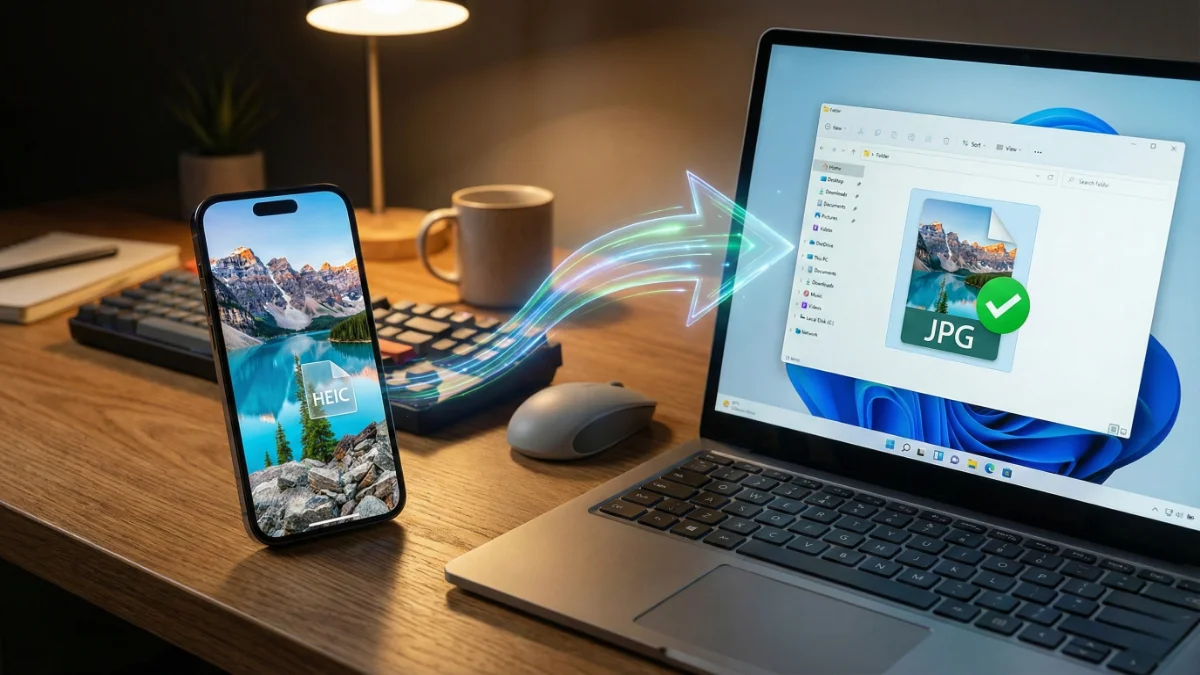
We know that screenshots often save as PNGs. If your screenshots are in PNG format, don’t worry. We have a specialized tool for that. You can use our PNG to PDF converter following the exact same steps.
Also, if you have already created several PDF documents and just need to stitch them together, you don’t need to convert them back to images. Already have PDF files? Merge them here directly.
Ready to create your PDF?
Don’t let formatting issues ruin your submission. Photos to PDF for resume or homework has never been easier.
Start Merging Now (Free) →Why Security Matters for Assignments & Resumes
When you are uploading your ID card, academic transcripts, or a resume with your home address, privacy is critical.
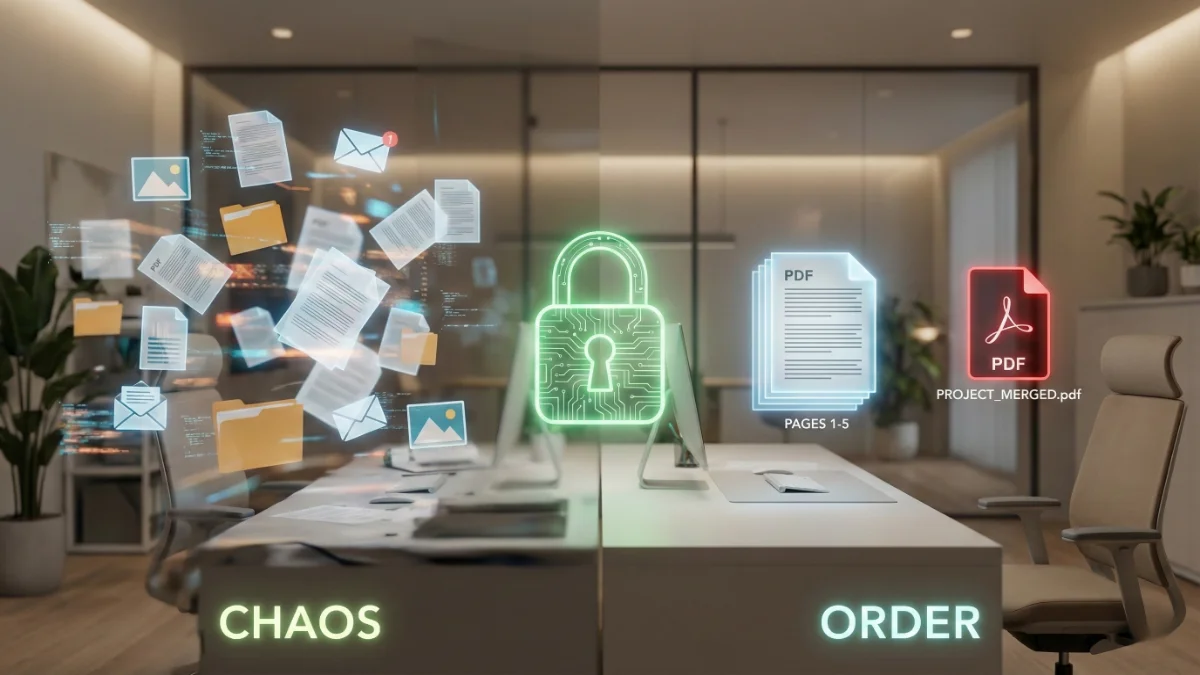
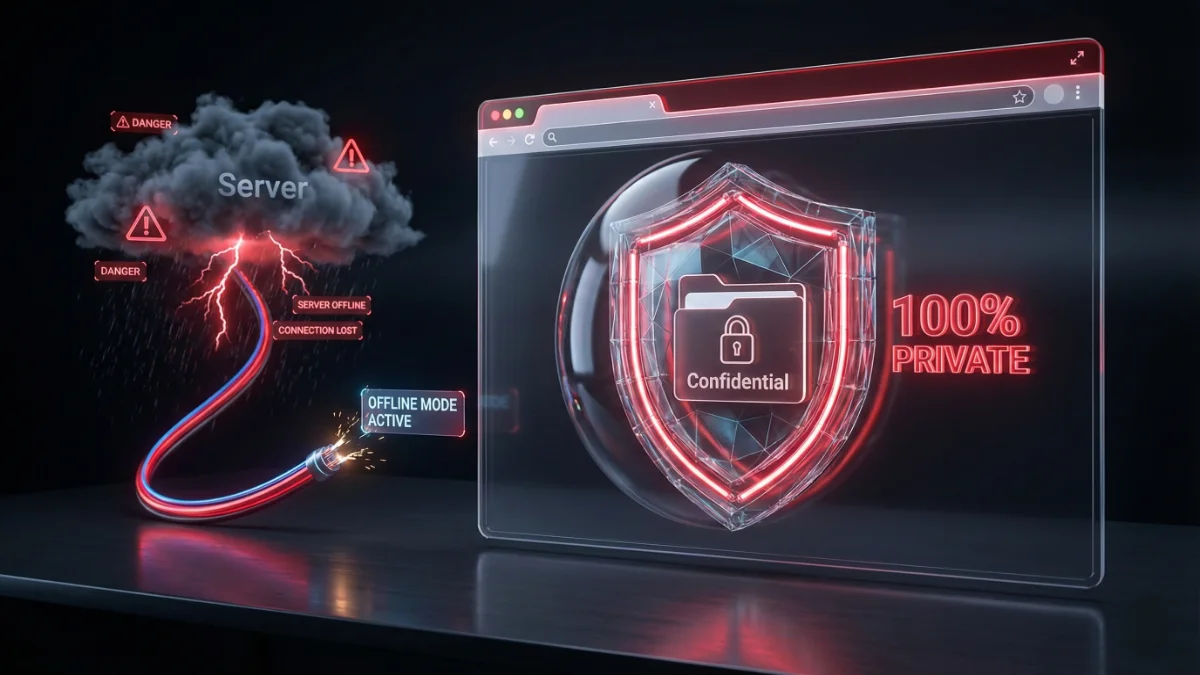
Unlike other websites that upload your files to a cloud server to process them, JPGtoPDFHub uses Client-Side Processing. This means the magic happens right in your browser. Your personal documents never leave your computer or phone. This makes us the safest choice to combine images into one PDF.
Stop worrying about file limits and messy email attachments. Bookmark our tool, and you will always be ready to submit professional, single-file documents in seconds.
Happy converting,
Sandeep